Cheap Flyer Templates — Ready-Made Designs That Save Time and Money
Skip expensive designer fees. Cheap flyer templates deliver polished, print-ready designs in minutes — perfect for events, sales, and small businesses.
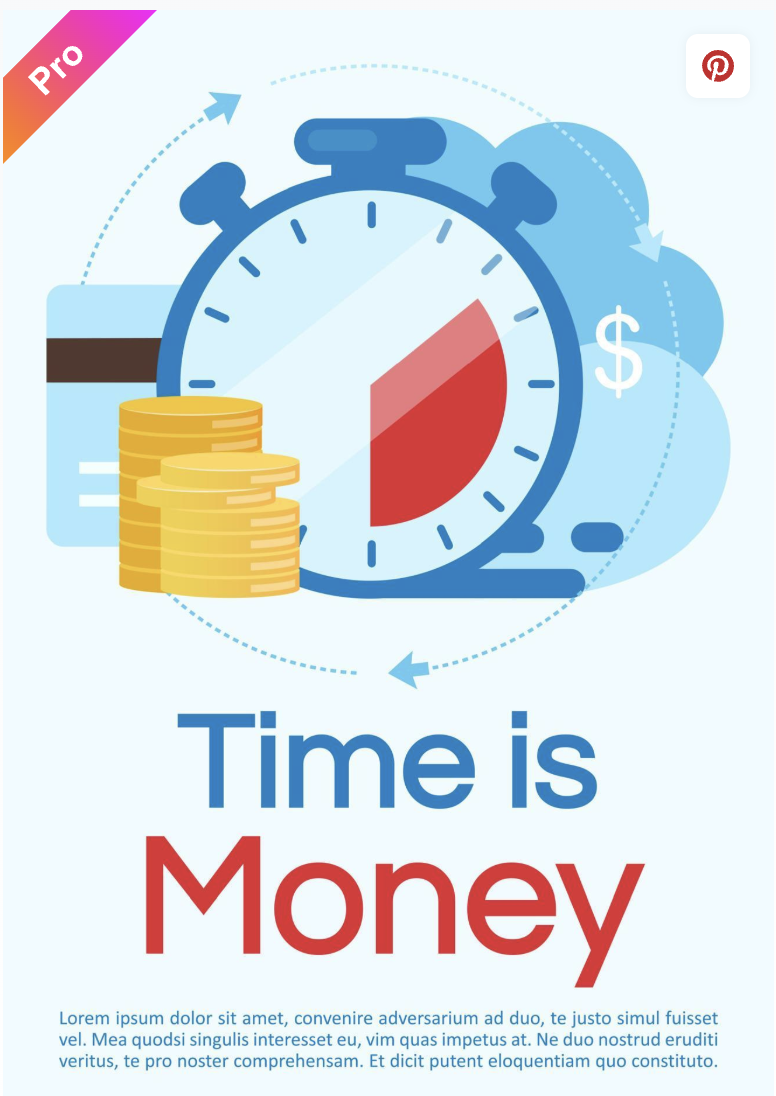
If you’ve ever tried to build a flyer from a blank page with no design background, you’ll know it takes much longer than it should. Cheap flyer templates solve that problem. They give you a working layout — typography, spacing, colour, hierarchy — so all you need to do is swap in your details and send it to print.
The catch is that not every template is actually print-ready. A design that looks clean on screen can come out soft, colour-shifted, or missing a bleed area when it hits paper. Here’s how to find good templates and avoid the common pitfalls.
Where to Find Cheap Flyer Templates
Free options cover most basic needs. Canva has hundreds of flyer layouts available without a paid subscription. Adobe Express is a strong alternative with cleaner typographic defaults. Most online print services also bundle template libraries into their ordering tools, which is convenient because the files are already sized and set up for their specific print process.
Paid templates, typically £5 to £25 on Creative Market or Envato Elements, offer more refined layouts and less generic imagery. They’re used by far fewer businesses — which matters where standing out on a noticeboard is part of the point.
For businesses with specific branding needs or no template that fits, affordable flyer design services can deliver a custom layout without the cost of a full agency brief.
What to Check Before You Print Any Template
Not every template is print-ready straight out of the box. Run through these four checks before placing your order.
Resolution. Print requires 300 dpi or higher. Web templates are typically 72–96 dpi — they look fine on screen but print soft and pixelated. In Canva, export as “PDF Print” to get proper resolution.
Bleed. Printers cut paper after printing and need a 3 mm margin beyond your design edge. Templates without bleed can produce an unintended white border. Check whether yours has bleed built in, or add it before exporting.
Colour mode. Screens use RGB; commercial printing uses CMYK. Vivid colours — particularly saturated blues and oranges — can shift noticeably in conversion. If your tool only exports RGB, ask your printer whether they handle conversion.
Font embedding. If fonts aren’t embedded, a printer’s system may substitute them and shift your layout. Exporting as a flattened PDF from Canva or Adobe Express handles this automatically.
For a broader look at what makes any flyer work — not just the technical specs but the content and hierarchy — our flyer design guide is worth reading before you finalise your layout.
Which Template Formats Work Best
PDF is the standard for print — it preserves your layout, embeds fonts, and maintains colour profiles. Always export as “PDF Print” rather than “PDF Standard,” which compresses the file and reduces sharpness.
PNG works at 300 dpi or higher. JPEG is a poor choice — compression artefacts show clearly on paper even when invisible on screen.
Paid templates from Creative Market may come as layered PSD or INDD files requiring Photoshop or InDesign. If you don’t have those tools, Canva or Adobe Express with PDF Print export is a simpler and equally effective path.
Picking the Right Template for the Job
Match the template to the audience and purpose. A fundraiser flyer and a product launch flyer need very different visual registers. Look for templates where the hierarchy is clear at a glance — headline first, key details second, supporting information third. Avoid overly busy layouts that try to use every feature of the design tool at once.
Once your file is ready, where you print it matters as much as the template itself. A strong design printed on poor quality paper will still undermine the result.
The Bottom Line
Cheap flyer templates are a legitimate shortcut when you choose the right one and prepare the file correctly. Pick a template with a clear layout, check your resolution and bleed settings, export as PDF Print, and you’ll have a print-ready flyer without spending anything on design.